
 Join our Discord
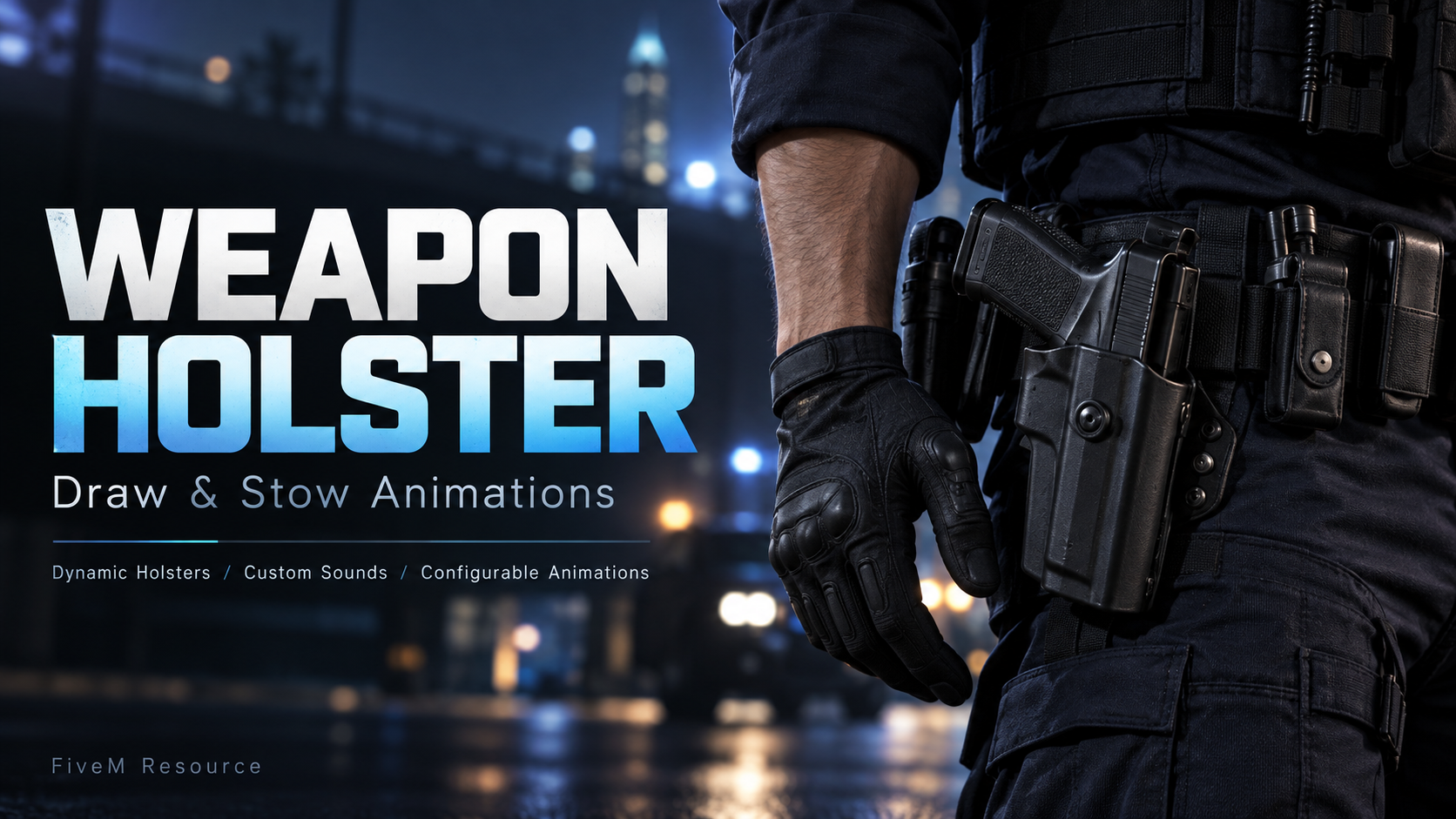
Give every draw a little more detail.
Weapon Holster adds animated weapon drawing and stowing, with clothing changes that reflect whether a handgun is equipped or sitting in its holster.
Configured holsters switch between occupied and empty variations during the animation. Custom draw and stow sounds complete the interaction, while a separate animation handles weapons without a matching holster.
FEATURES
• Dynamic holster clothing — Switch between occupied and empty holster variations when drawing or stowing a weapon.
• Dedicated holster animations — Configure separate animations for drawing and putting away handguns.
• Back / waistband animations — Use an alternative animation for other weapons or when no configured holster is worn.
• Custom sound effects — Set separate draw and stow sounds with adjustable volume. Sounds play only when a configured holster is used.
• Adjustable timing — Customize animation duration, flags, and the moment holster clothing changes.
• Multiple holster configurations — Define clothing components and drawable pairs for your server’s outfits.
• Automatic component detection — Omit the component setting to search clothing slots for the configured drawable IDs.
• Weapon exclusions — Choose which weapons and utility items should bypass the system.
• Configurable weapon groups — Define which weapon groups use holster handling.
• Vehicle option — Skip animations while inside vehicles.
• Central configuration — Adjust the available settings in one config file.
CUSTOMIZE IT FOR YOUR SERVER
Configure your own holster variations, animation dictionaries, sound files, weapon exclusions, and timing to match your server’s clothing and preferred style of weapon handling.
CLOTHING SETUP
Dynamic holster switching requires matching occupied and empty clothing variations. Drawable IDs must be configured for the clothing used on your server.
The promotional artwork is illustrative and does not show an included clothing model or an in-game screenshot.